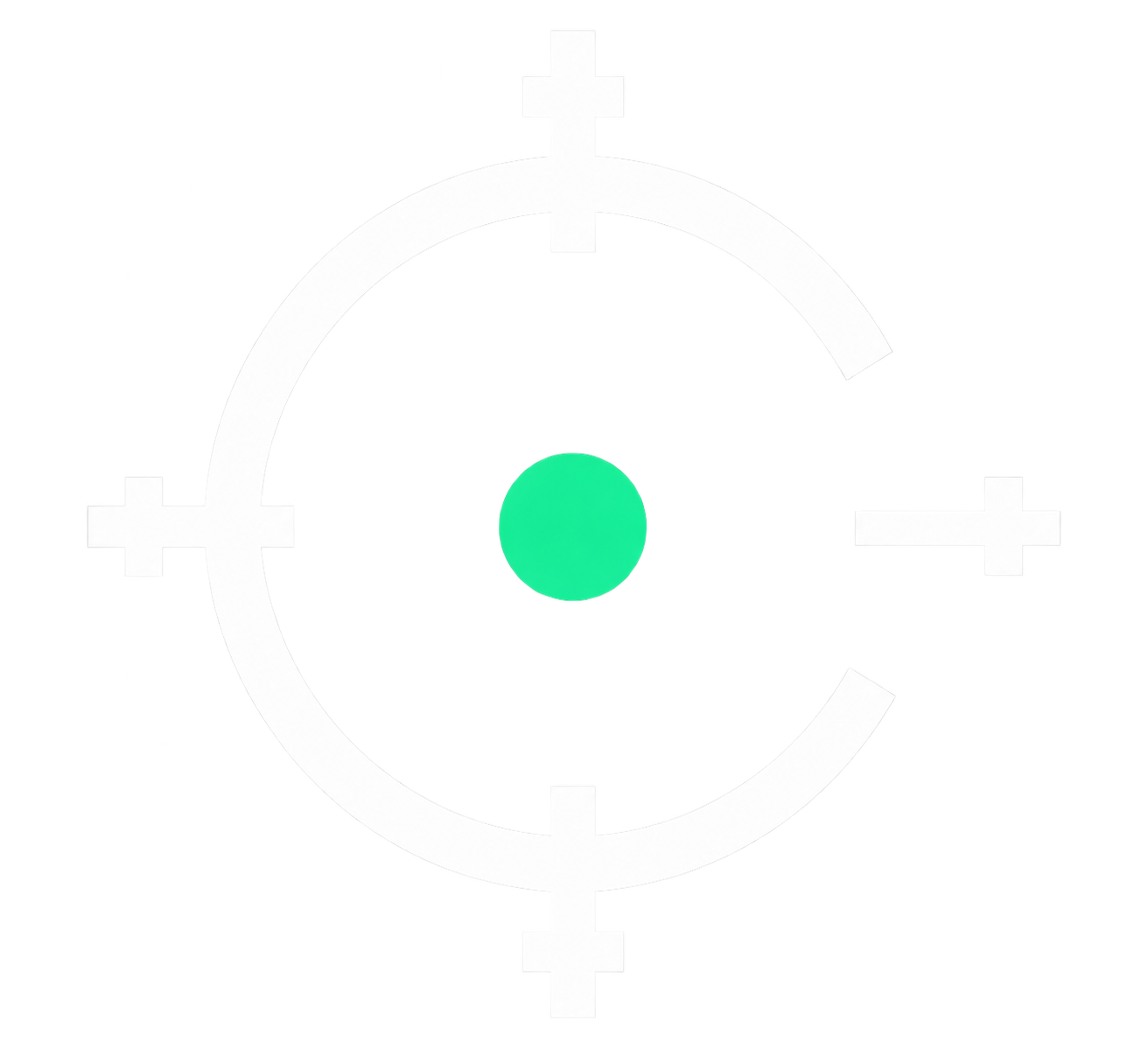

Android custom crosshair overlay
Your crosshair.
Your control.
Choose a design, customize the details, and display it as a visual overlay over your game.


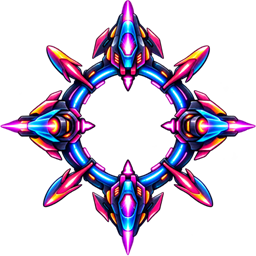

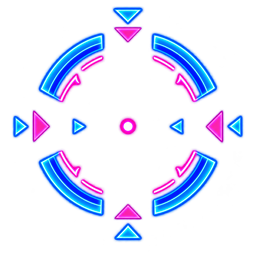



Interactive customization
See every adjustment.
Try the four core controls. The preview responds directly—without rebuilding the Android Control Deck on the web.
Scale100%
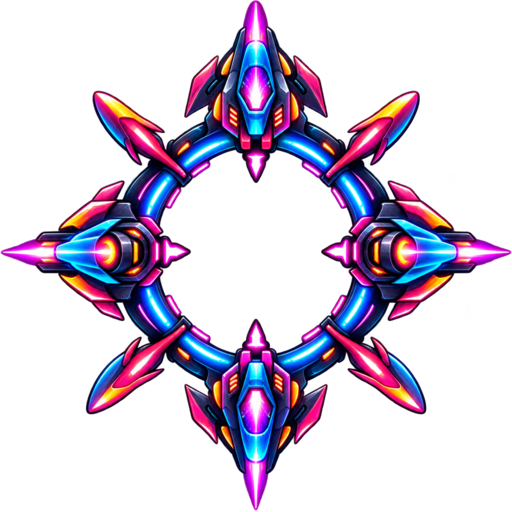
Actual Control Deck
Scale. Alpha. Rotation.
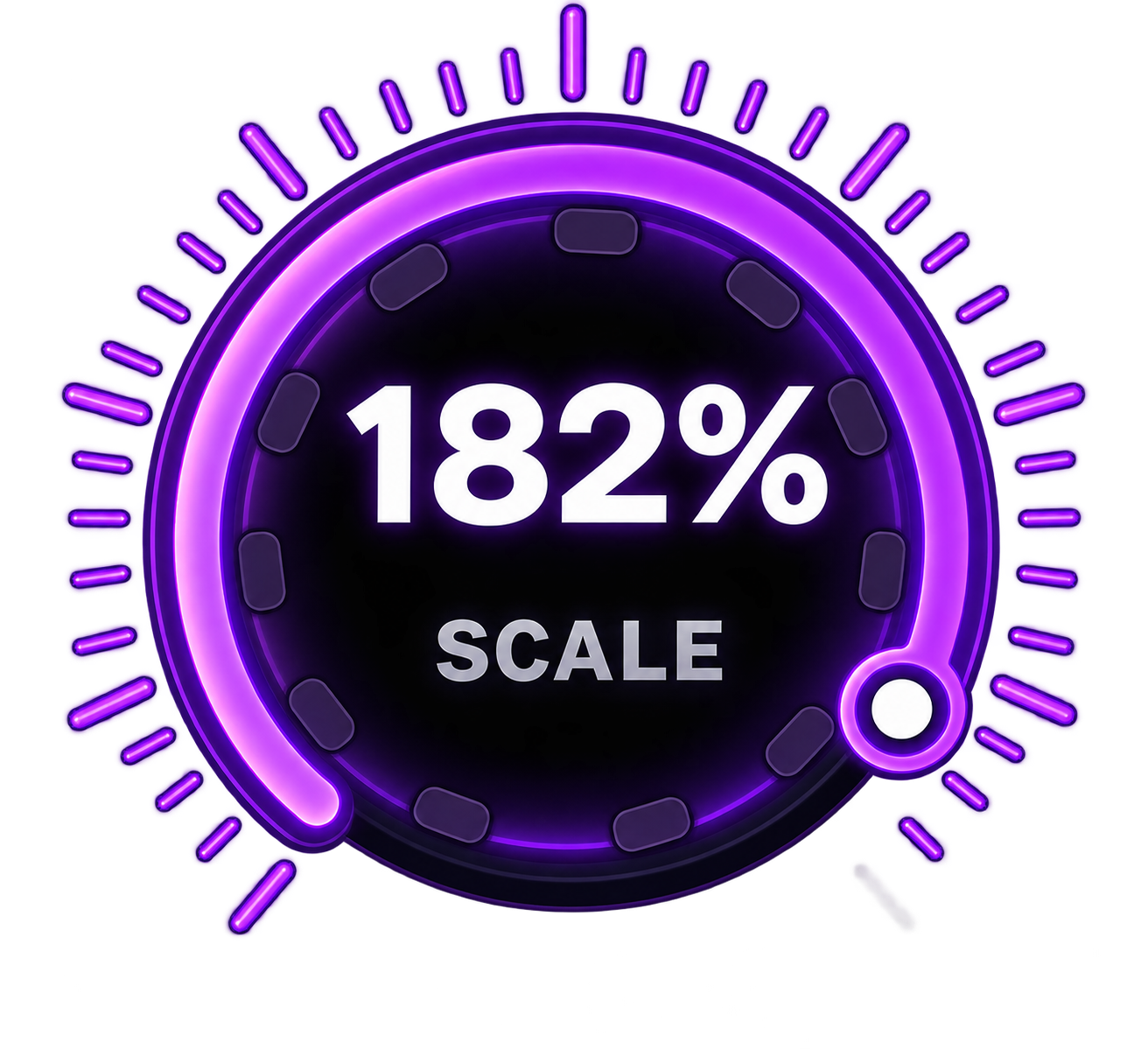
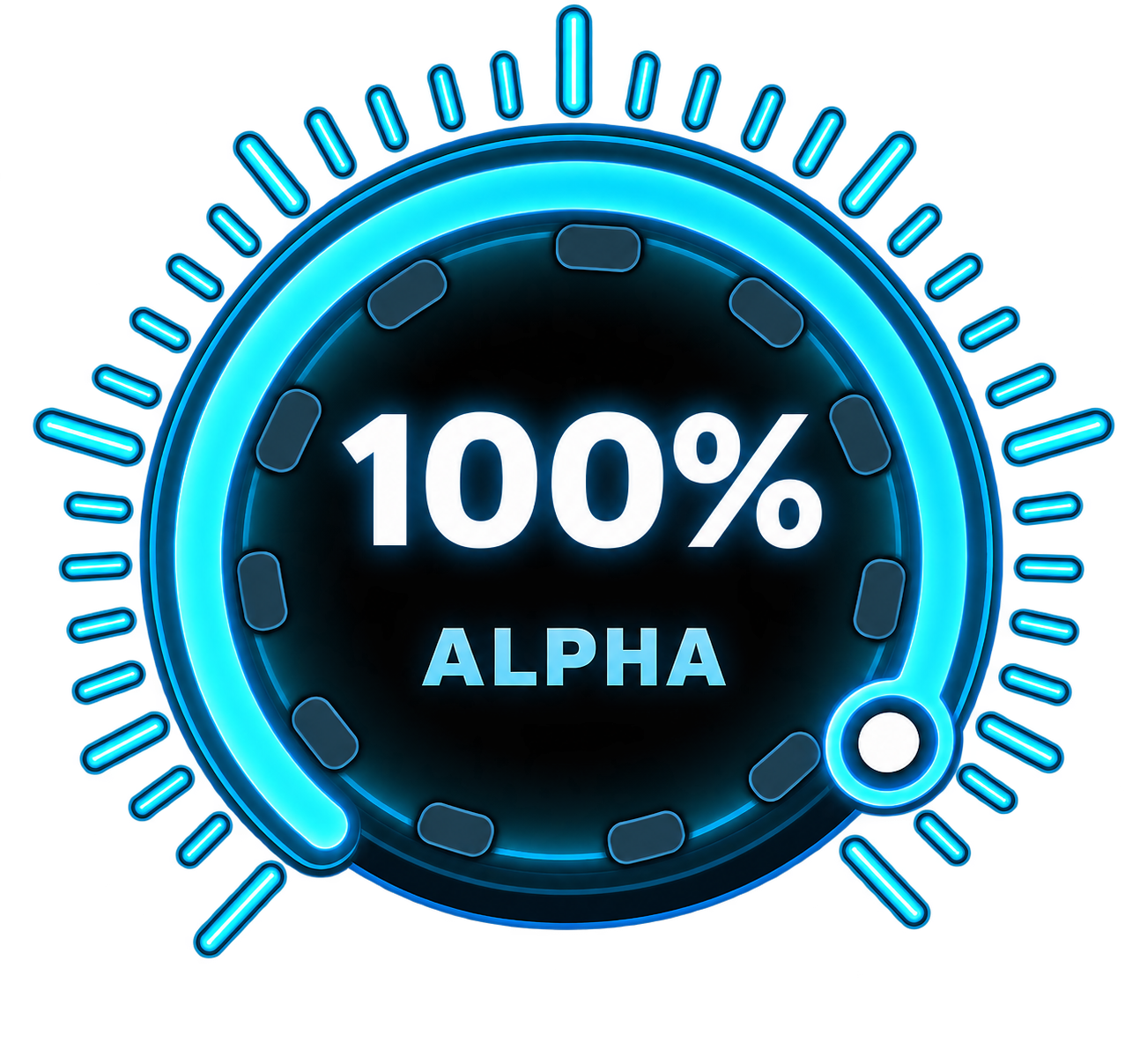
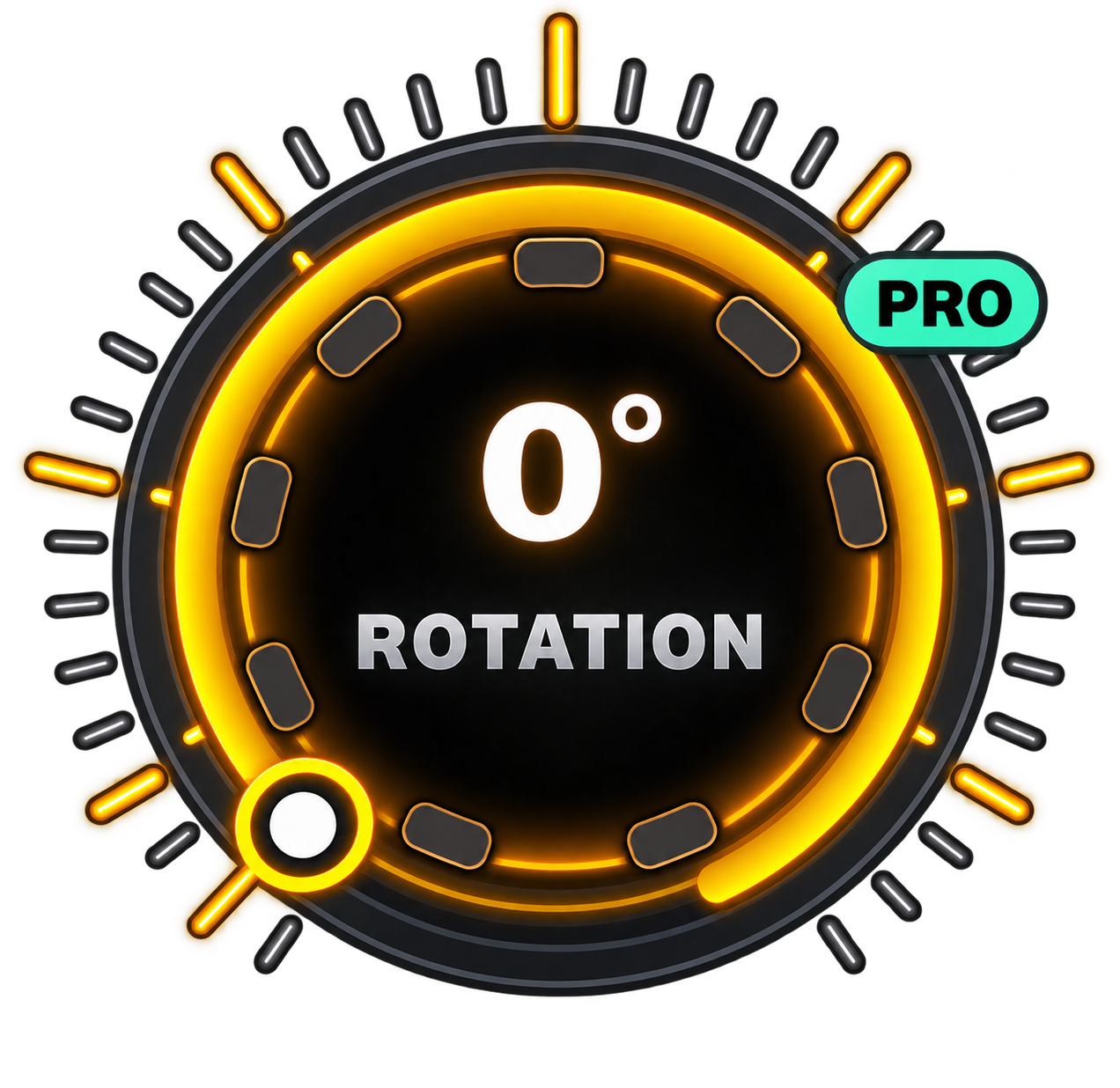
Real product controls
Made for quick setup.
Position X/Y, Focus View and Start Crosshair complete the Control Deck flow.
- Scale 0–200%
- Alpha 0–100%
- Rotation 0–360°
- Position X/Y
- Focus View
- Start Crosshair
Crosshair catalog
Find your look.
A curated view of the real catalog. Swipe on mobile or use the controls to explore.
RGB Glow PRO
Motion with purpose.
Normal, Chase, Pulse and Orbit modes add controlled color motion. Speed control lets the effect fit your setup.
Preset Colors
Pick. Apply. Aim.
BASIC and PRO vector crosshairs use the global color palette.
Custom PNG PRECISION
Bring your own crosshair.
Choose a local PNG, normalize its visible footprint, then adjust Scale, Alpha, Rotation and X/Y position.
Product behavior
A visual overlay utility.
- Visual overlay only
- Does not read game screen content
- Does not control gameplay input
- Does not modify game files
- Does not inject code into games
Built around your aim.
CROSSARA is currently in pre-launch development. Official Google Play availability will be published here.
Get release support